




Your WordPress login page is one of the most common targets for brute-force and credential stuffing attacks. Automated bots constantly scan wp-login.php, trying stolen usernames and passwords to gain unauthorized access. Even a strong password can’t fully protect your website if attackers already have your login credentials. That’s why installing one of the best WordPress 2FA plugins is no longer optional.
Two-factor authentication (2FA) strengthens your WordPress login security by requiring a one-time password (OTP) from an authenticator app, email, or hardware security key before users can sign in.
In this guide, we’ll compare the 10 best WordPress 2FA plugins for 2026 based on security features, authentication methods, ease of use, compatibility, pricing, and overall value.
What to Look for in a WordPress 2FA Plugin
Before diving into the list, here are the key criteria worth evaluating when choosing a WordPress authentication plugin:
- Authentication methods supported: TOTP (time-based one-time passwords via authenticator apps) is the most secure. Email and backup codes add flexibility.
- Role-based enforcement: Can you require 2FA for administrators but make it optional for subscribers? This granularity matters for sites with diverse user bases.
- Ease of setup: Look for setup wizards, QR code support, and clear documentation. A 2FA plugin shouldn’t require a PhD to configure.
- WooCommerce and multisite compatibility: Essential if you run an online store or manage multiple sites.
- Plugin maintenance: Actively maintained plugins mean faster security patches, fewer vulnerabilities, and better long-term reliability.
- Backup codes and lockout recovery: What happens if a user loses their phone? Recovery options are critical.
- Free vs. paid limits: Some plugins cap free plans at a handful of users.
- Recovery and emergency access: Choose a plugin that provides backup codes, trusted devices, or recovery methods so users don’t lose access if they lose their phone.
Expert Tip: Two-factor authentication significantly reduces the risk of unauthorized logins, but it works best alongside strong passwords, regular updates, login attempt limits, and CAPTCHA protection. Layering these security measures creates a much stronger defense against brute-force and credential stuffing attacks.
List of Top 10 WordPress 2FA Plugins for 2026
1. All In One Login – Best WordPress Login Security Plugin
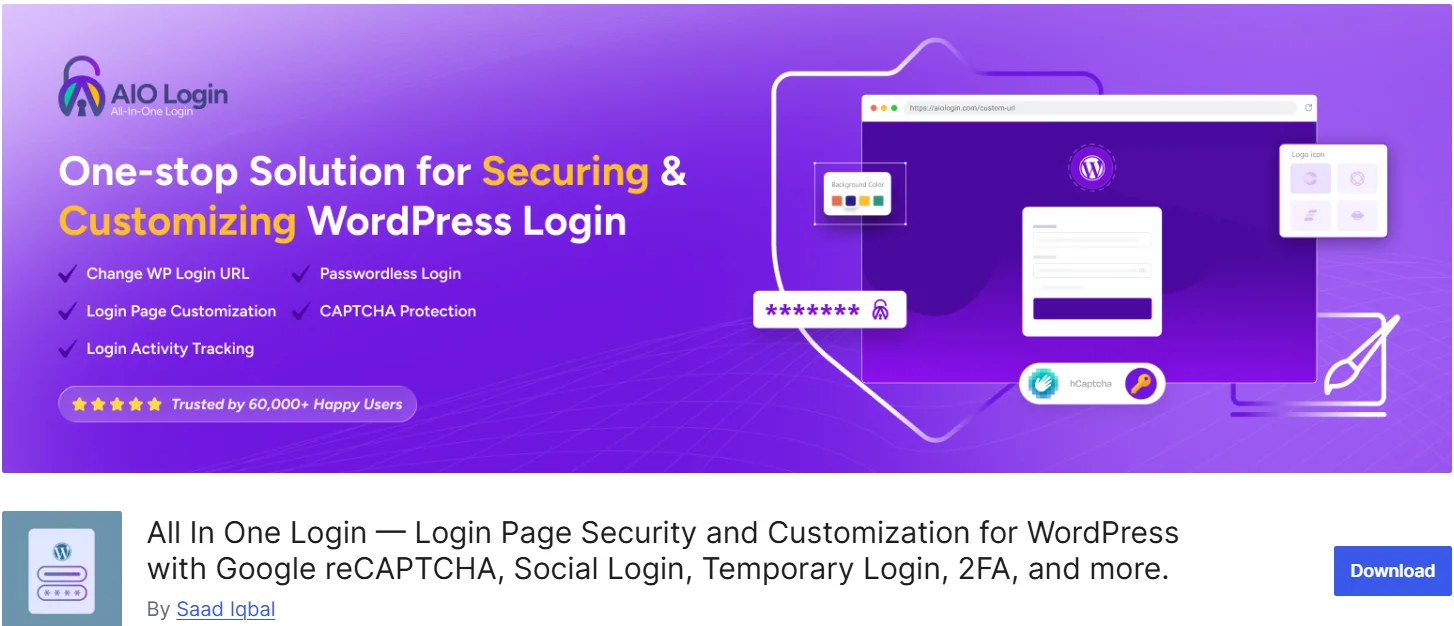
If you’re looking for a complete WordPress login security plugin that does much more than add two-factor authentication, All In One Login is an excellent choice. Trusted by over 60,000 WordPress websites, AIO Login combines powerful login protection, authentication, and customization features into a single plugin. Instead of installing multiple plugins for 2FA, social login, login page customization, brute-force protection, and reCAPTCHA, you can manage everything from one intuitive dashboard.
Key Features
- App-Based Two-Factor Authentication (2FA): Add TOTP-based two-factor authentication using Google Authenticator, Microsoft Authenticator, Authy, FreeOTP, 1Password, and other RFC 6238-compatible authenticator apps.
- Social Login: Let users sign in with their existing Apple, Google, Facebook, Microsoft, Discord, LINE, and GitHub accounts for a faster, password-free login experience.
- Custom Login URL: Replace the default wp-login.php URL with a custom login URL to reduce automated login attacks.
- Google reCAPTCHA: Protect your login page from bots and spam with support for reCAPTCHA v2 and v3.
- Limit Login Attempts: Stop brute-force attacks by temporarily locking out users after repeated failed login attempts.
- Temporary Login URLs: Generate secure, passwordless login links with expiration dates for developers, clients, or support teams.
- Login Page Customizer: Customize your WordPress login page with your logo, colors, background, and branding using a live preview.
- User Enumeration Protection: Prevent attackers from discovering valid WordPress usernames.
- IP Address Blocking: Block suspicious or unwanted IP addresses from accessing your login page.
- Login Activity Logs: Monitor successful logins, failed login attempts, usernames, IP addresses, and account lockouts in real time.
- Real-Time Security Alerts: Receive instant login and security notifications through Slack or custom webhooks.
- And much more. Check out the entire features list.
Best for: Website owners, agencies, developers, WooCommerce stores, and membership sites that want an all-in-one solution for WordPress login security. AIO Login combines two-factor authentication, social login, login page customization, brute-force protection, temporary login URLs, and real-time activity monitoring in a single plugin, helping you improve security while reducing plugin bloat.
2. WP 2FA by Melapress – Best for Most WordPress Sites

WP 2FA by Melapress is widely regarded as one of the most well-rounded WordPress 2FA plugins available today. It offers an intuitive setup wizard that guides you through the configuration process, making it accessible even for non-technical users. Advanced users can skip the wizard and configure settings manually.
Key Features (Free Version):
- Time-based One-Time Password (TOTP) support via authenticator apps
- Enforce 2FA across all users or specific user roles
- Backup codes for account recovery
- Grace periods before mandatory 2FA setup
- Multisite and WooCommerce compatibility
Best for: Site owners who want a dedicated, easy-to-use 2FA plugin with robust enforcement policies.
3. Wordfence Login Security – Best Free Login Hardening
Wordfence Login Security is a focused WordPress login protection plugin from Defiant Inc., the team behind the popular Wordfence Security suite. It provides two-factor authentication alongside other login hardening features like CAPTCHA and XML-RPC protection.
Key Features:
- TOTP-based two-factor authentication
- reCAPTCHA integration for bot protection
- XML-RPC protection
- Lightweight and standalone (note: the standalone plugin will be discontinued on July 1, 2026, with features moving to the main Wordfence Security plugin)
Best for: Users who want free 2FA with additional login hardening controls and are already familiar with the Wordfence ecosystem.
4. miniOrange 2FA – Best for Complex MFA Needs
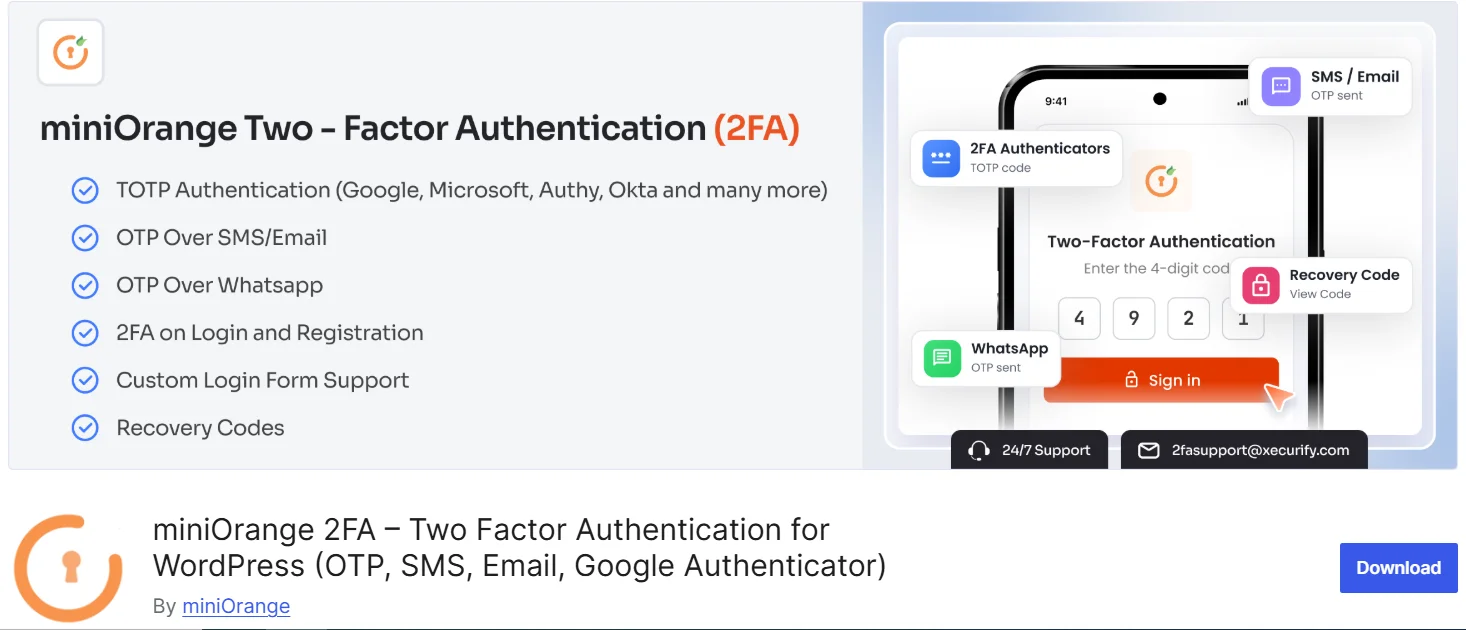
miniOrange 2FA is a feature-rich multi-factor authentication WordPress plugin that supports an extensive range of authentication methods. It’s ideal for organizations with complex security requirements.
Key Features:
- A wide variety of authentication methods (TOTP, SMS, email, push notifications, hardware tokens)
- Role-based access controls
- Detailed reports and analytics
- Integration with various identity providers
Best for: Enterprises and high-risk sites that need a larger MFA toolbox and are willing to manage more settings.
5. Two Factor – Best Lightweight Open-Source Option
Maintained by George Stephanis and the WordPress.org Contributors team, Two Factor is the official lightweight WordPress two-factor authentication plugin from the WordPress core team. It adds 2FA settings to each user’s profile.
Key Features:
- Email-based verification
- TOTP via authenticator apps
- FIDO Universal 2nd Factor (U2F) support
- Backup codes
- Simple, profile-level setup
Best for: Users who want a free, simple, open-source 2FA solution maintained by WordPress core contributors.
6. MalCare – Best All-in-One Security Suite with 2FA

MalCare is a comprehensive WordPress security plugin that goes well beyond just 2FA. It pairs two-factor authentication with cloud-based malware scanning, a website firewall, bot blocking, and one-click malware removal, all from a single dashboard.
Key Features:
- Two-factor authentication is built into the security suite
- Cloud-based malware scanning that doesn’t slow down your server
- One-click malware cleanup
- Website firewall and login page protection
- Bot blocking
Best for: Site owners who want complete security coverage without juggling multiple plugins. If your real problem is broader than login security, MalCare consolidates everything into one workflow.
7. Kadence Security (formerly iThemes Security) – Best for Comprehensive Login Protection
Kadence Security is a well-established WordPress security plugin that includes two-factor authentication as part of a broader security toolkit. It offers over 30 security measures, making it a strong choice for users who want extensive login protection.
Key Features:
- TOTP-based 2FA
- Brute force protection
- Strong password enforcement
- Login page lockdown
- File change detection
Best for: Users who want a comprehensive security plugin with 2FA as one of many features.
8. LogiShield Security – Best for Individual User-Based 2FA
LogiShield Security is an ultimate WordPress 2FA plugin that ensures a stolen password is no longer enough to compromise your website. It provides individual user-based two-factor authentication, allowing editors, authors, and admins to manage their own site security seamlessly.
Key Features:
- Individual user-based 2FA management
- Brute force protection
- Login limit attempts
- Firewall protection
Best for: Sites where each user needs to manage their own 2FA settings independently.
9. Ultimate Security – Best Modular, Privacy-Focused Option

Ultimate Security is a lightweight, modular, and privacy-focused WordPress login security plugin that protects your site from brute force attacks, unauthorized access, and bots.
Key Features:
- Email OTP verification
- Google Authenticator, Authy, and Microsoft Authenticator support (TOTP/HOTP)
- Modular design – enable only the features you need
- Privacy-focused approach
Best for: Users who want a lightweight, modular security plugin with a strong emphasis on privacy.
10. Two-Factor Authentication by the UpdraftPlus Team
The Two Factor Authentication from the UpdraftPlus team offers a simple authenticator setup for TOTP/HOTP. It’s a straightforward option for users who want basic 2FA functionality without unnecessary complexity.
Key Features:
- Simple TOTP/HOTP authenticator setup
- Lightweight implementation
Best for: Users who want a simple, no-frills 2FA solution from a trusted development team.
Which Is the Best WordPress 2FA Plugin?
The answer depends on your specific needs:
- An all-in-one login security solution with 2FA, custom login URL, and reCAPTCHA: All In One Login
- A dedicated, easy-to-use 2FA plugin for most sites: WP 2FA by Melapress
- Free 2FA with login hardening controls: Wordfence Login Security
- Complex MFA needs with many authentication methods: miniOrange 2FA
- A lightweight open-source option: Two-Factor
- Complete site security (malware, firewall, 2FA): MalCare
- A comprehensive security suite with 2FA: Kadence Security
For most site owners, All In One Login offers the best balance of features, ease of use, and comprehensive WordPress login authentication, all in a single plugin. It doesn’t just add two-factor authentication; it transforms your entire login experience with customization, brute force protection, and advanced security features.
WordPress Login Security Best Practices
To maximize your WordPress website security, follow these best practices:
- Enable two-factor authentication for all administrator and editor accounts.
- Change the default WP-Admin URL to hide your login page from attackers.
- Limit login attempts to prevent brute-force attacks.
- Use strong passwords and enforce password strength requirements.
- Add Google reCAPTCHA to block bots and automated login attempts.
- Regularly update all plugins, themes, and the WordPress core.
- Monitor login activity for suspicious behavior.
- Block suspicious IP addresses immediately.
Choose the Best WordPress 2FA Plugin to Secure Your Website
Securing your WordPress login page is one of the most effective ways to protect your website from unauthorized access, brute-force attacks, and stolen credentials. A reliable WordPress 2FA plugin adds an extra verification step, making it much harder for attackers to compromise your account, even if they know your password.
The best plugin depends on your security needs. If you only need two-factor authentication, a dedicated solution like WP 2FA or Two-Factor is a great choice. If you want complete WordPress login security, including app-based 2FA, login URL customization, brute-force protection, reCAPTCHA, temporary login URLs, social login, and activity monitoring, All In One Login gives you everything in a single plugin.
Whichever plugin you choose, enabling two-factor authentication today is a simple step that can significantly strengthen your WordPress security and help protect your website, users, and business from modern login threats.