


In 2026, a secure and custom WordPress login page isn’t optional—it’s essential. WordPress sites face relentless attacks every day, with security reports showing over 1.6 million attacks targeting WordPress within just 48 hours and nearly 8.7 million exploit attempts recorded over a single year when login protections aren’t hardened.
Without safeguards like CAPTCHA protection, two-factor authentication (2FA), custom login URLs, login attempt limits, and secure login redirects, brute-force bots and credential-stuffing attacks can quickly compromise user accounts and sensitive data.
But don’t worry! In this guide, we have shortlisted the 8 best WordPress login page plugins that allow you to protect your site and improve the login experience for real users.
How We Test and Review WordPress Login Page Plugins
We evaluate free and paid WordPress login plugins using a security-first, real-world testing framework designed for modern WordPress websites, WooCommerce stores, and membership platforms, helping you find the right WordPress login plugin for your website.
Our testing criteria include:
- Ease of customizing the WordPress login page without code
- Built-in login security features (CAPTCHA, 2FA, brute-force protection)
- Front-end login and user registration capabilities
- Compatibility with WooCommerce and popular themes
- Performance impact and reliability
- Pricing transparency for free and paid versions
The List of Top WordPress Login Page Plugins
Below is a hand-picked list of the best WordPress login page plugins for 2026, covering security-focused solutions, visual login page builders, and advanced authentication tools.
1. All In One Login (Best WordPress Login Security and Customization Plugin)
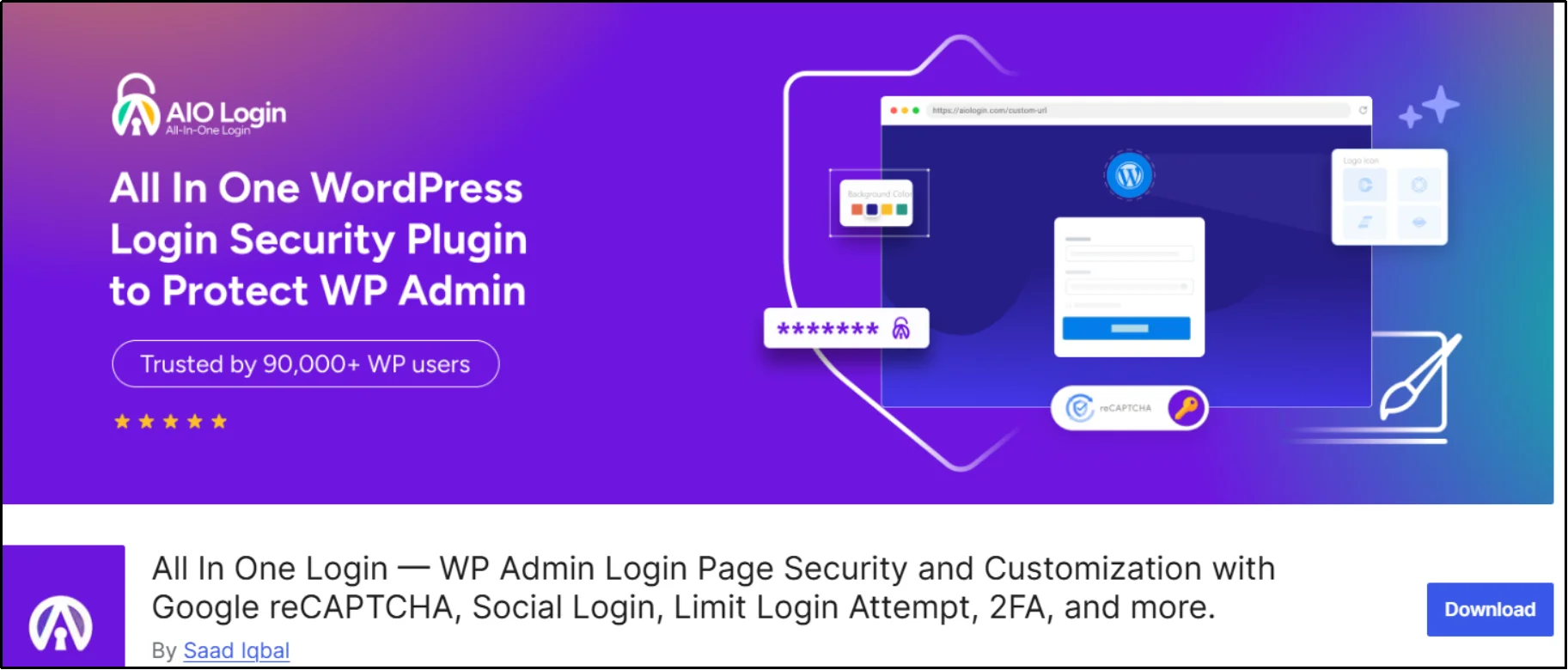
All In One Login is a powerful WordPress login security plugin that combines custom login design, advanced access control, and strong brute-force protection in one solution. It protects and customizes access to the default WordPress login and wp-admin areas with a secure, customizable login experience backed by activity monitoring, CAPTCHA, and two-factor authentication.
Key Features
- Custom WordPress login page (logo, background, templates, custom CSS)
- Change the default wp-login.php
- Google reCAPTCHA v2 & v3 integration
- WooCommerce integration for login page security.
- Limit login attempts with lockouts
- Detailed login activity logs
- Login redirection rules
- User/IP blacklist and whitelist
- App-based 2FA (Pro)
- Temporary access URLs with expiry and usage limits (Pro)
- Social login for WordPress and WooCommerce (Google, Facebook, Microsoft, LINE – Pro)
Pros and Cons
Pros
- All-in-one solution (security + customization)
- Beginner-friendly setup with advanced Pro controls
- Excellent performance
Cons
- Social login and 2FA require the Pro Version
- Not a full firewall replacement
Pricing
All In One Login offers a free version with essential login security features. Paid plans start at $29/year (Basic plan), with Professional ($49/year) adding 2FA and advanced controls, and Business ($59/year) unlocking temporary access links, social login, and advanced login page styling.
2. SeedProd
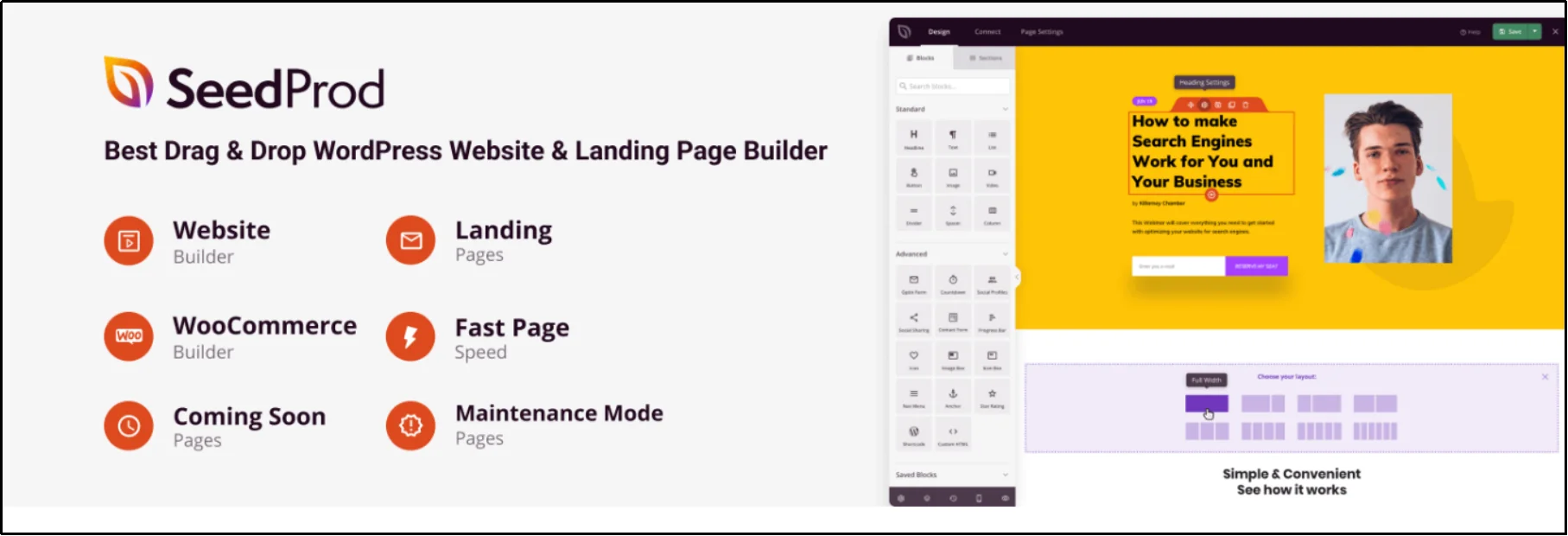
SeedProd is a drag-and-drop WordPress page builder with advanced login page templates and theme-building features. Ideal for creating custom-designed login pages, but not a replacement for dedicated login security plugins.
Key Features
- Drag-and-drop login page builder (no coding required)
- 300+ landing page templates, including login pages
- 90+ Pro blocks for static and dynamic content
- Mobile-responsive design with live previews
- WooCommerce integration and custom redirects
- Draft mode, revision history, and saved templates
Pros and Cons
Pros
- Visual editor makes customization easy
- No coding required
- Works with WooCommerce and front-end login pages
Cons
- Advanced features require Pro plans
- Focused more on visual design than deep login security
Pricing
SeedProd offers a free version with basic landing page tools. Paid plans start at $39.50/year.
3. WPForms
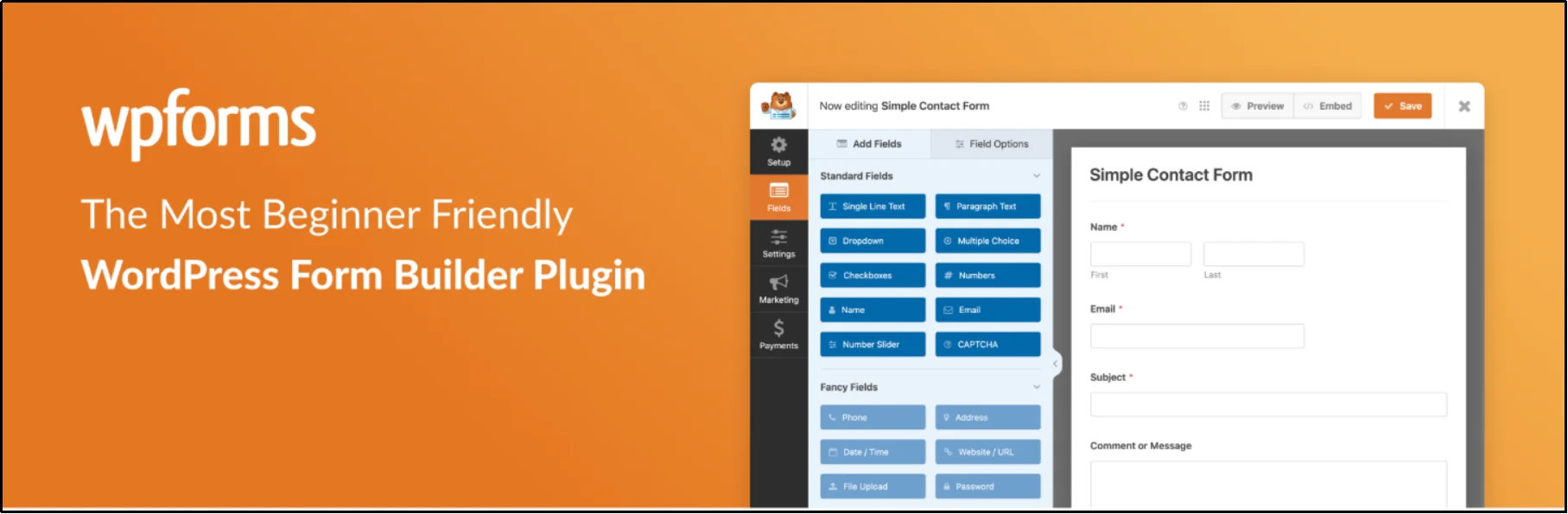
WPForms is a drag-and-drop form builder that can be used to create custom front-end login and registration forms, rather than a full login security solution. It’s perfect for sites that need front-end login, flexible user management, and payment options.
Key Features
- Drag-and-drop form builder with 2,000+ templates
- Custom login, registration, and password reset forms
- Smart conditional logic and form notifications
- Spam protection with CAPTCHA support
- Integration with payment gateways (Stripe, PayPal, Square)
- User registration and surveys/polls addons
Pros and Cons
Pros
- Easy to build complex login and registration forms
- Powerful integrations with email marketing and payment tools
- Mobile-friendly and highly customizable
Cons
- More expensive compared to some login-specific plugins
- Design customization is less flexible than page builders
Pricing
WPForms offers a free version with basic forms. Pro version plans start at $49.50/year.
4. JetFormBuilder
JetFormBuilder is a WordPress form builder plugin that includes a Login addon, allowing users to log in and register directly on the website. It supports password reset functionality and includes a “Remember Me” feature for improved user experience.
The plugin enables the creation of custom login form layouts and can be integrated with third-party social login plugins to extend functionality. It also allows configuring redirect actions after login or registration.
Key Features
- Custom login, registration, and password reset forms
- “Remember Me” functionality with secure cookies
- Redirect users after login or registration
- Identify and manage registered users
- Fully customizable form layouts using blocks
- Integration with third-party plugins (including social login tools)
Pros and Cons
Pros
- Native Gutenberg integration with flexible form design
- Supports full login flow (login, register, reset password)
- Easy integration with other plugins for extended functionality
Cons
- Requires setup compared to ready-made login plugins
- Advanced features may need add-ons
Pricing
JetFormBuilder offers paid plans starting at $49/year for a single website, with higher-tier and lifetime options available for extended usage, additional features, and support.
5. LoginPress
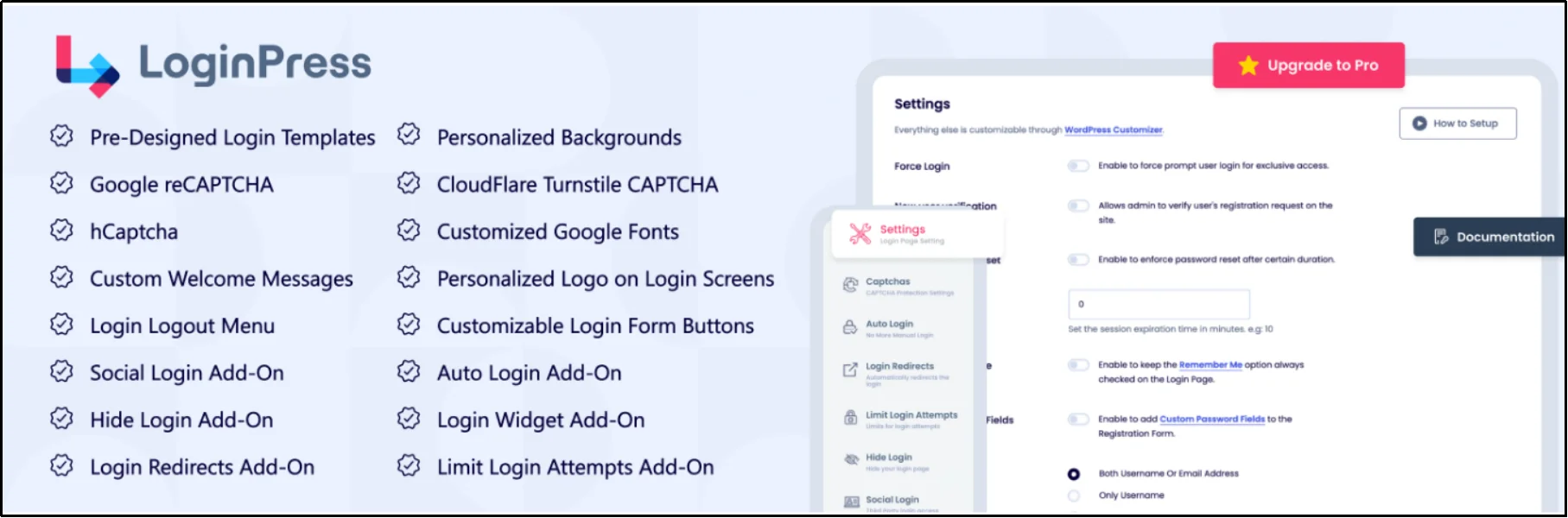
LoginPress lets you fully customize your WordPress login page while keeping it secure. It allows you to brand your login page with custom logos, backgrounds, colors, and layouts while adding security features such as reCAPTCHA, login attempt limits, and custom redirects. Perfect for blogs, e-commerce stores, and membership sites.
Key Features
- Fully customizable login page design with real-time preview (logos, colors, backgrounds, layouts)
- Drag-and-drop customization for easy design
- Security features: limit login attempts, reCAPTCHA, and custom redirects
- WooCommerce and membership site compatibility
- Developer-friendly with hooks, filters, and add-ons
Pros and Cons
Pros
- Creates professional, branded login pages
- Improves user experience and site security
- Beginner-friendly with an intuitive interface
Cons
- Some advanced features require the premium version
- Limited social login options compared to dedicated social login plugins
Pricing
LoginPress offers a free version with basic login page customization. The premium version adds advanced styling, security, and redirect options starting at $99/year for the Personal Plan.
6. Nextend Social Login

Nextend Social Login lets users log in or register with popular social accounts like Google, Facebook, Apple, and more. It simplifies sign-in, reduces forgotten passwords, and improves conversion rates for registrations and WooCommerce checkouts.
Key Features
- One-click login via major social providers
- Customizable login button styles and layouts
- WooCommerce and WordPress comment form integration
- User role restrictions for social logins
- Option to request email or username when needed
- Translation ready with detailed documentation and video tutorials
Pros and Cons
Pros
- Simplifies user registration and login
- Supports many social platforms
- Excellent customer support and clear documentation
Cons
- Setup can be tricky for some providers, like Facebook
- Limited customization of the login page beyond buttons
Pricing
Nextend Social Login offers a free version with essential social login features. The pro version starts at $49/year for the Standard Plan and $99/year for the Premium Plan.
7. Theme My Login

Theme My Login lets users log in, register, and reset passwords directly on your site’s front end. It fully integrates with your theme, giving a seamless experience without redirecting to the default WordPress login page.
Key Features
- Front-end login, registration, and password reset
- Customizable login URLs (slugs)
- Auto-login after registration
- Email-only login option
- Works with any WordPress theme
- Developer-friendly with actions and filters
Pros and Cons
Pros
- Seamless front-end login experience
- Highly adaptable to any theme
- Simple plug-and-play setup
Cons
- Limited styling options compared to page builders
- Fewer advanced features without extensions
Pricing
Theme My Login is a free plugin with essential login and registration features. To unlock more specific functionalities, you have to purchase individual extensions.
8. Simple History
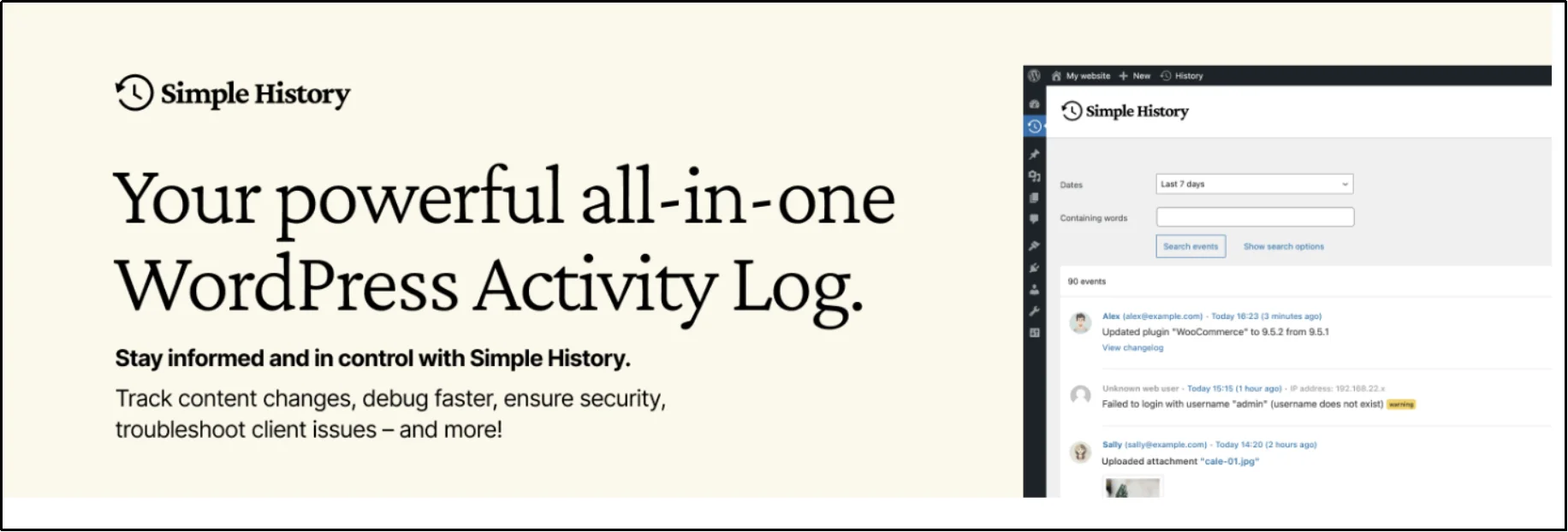
Simple History is not a login page plugin, but it complements login security by providing detailed audit logs of user activity. It helps site admins monitor changes, debug issues, and keep users accountable.
Key Features
- Tracks posts, pages, plugins, media uploads, and more
- Dashboard widget and dedicated log page
- Search and filter logs by user, event type, date, or severity
- WP-CLI support for viewing logs in the terminal or JSON
- Weekly email reports summarizing site activity
- Automatic backfill imports past site activity
- Fully extendable with a developer-friendly API
- No cloud required. All data stays on your server
Pros and Cons
Pros
- Lightweight and easy to use
- Detailed logs with context (e.g., thumbnails for images)
- Extensive filtering and search capabilities
- Highly extendable with add-ons and custom logs
Cons
- Free version limits backfill to 100 items per post type
- Some advanced features require premium add-ons
Pricing
Simple History is free for basic logging. Premium add-ons start at $79/year and unlock extended log retention, export options, and advanced functionality.
9. Temporary Login Without Password (TLWP)
TLWP is a WordPress plugin that lets you create temporary, passwordless login access for developers, support agents, or clients. It enables secure, time-limited access without cluttering your user database or compromising security.
Key Features
- Create temporary, self-expiring WordPress accounts
- Passwordless login via one-time secure links
- Set custom expiration dates and usage limits for each login
- Redirect users after login to a specific page
- Receive instant email notifications when temporary logins are used
- Show remaining time and last login for temporary users
- Set roles, languages, and access levels for temporary accounts
- Manage multiple sites with centralized license and access control
Pros and Cons
Pros
- Eliminates the need for permanent accounts for temporary tasks
- Boosts security by auto-expiring access
- Easy setup and lightweight
- Works with WordPress and WooCommerce
Cons
- Some advanced features require TLWP Pro
- Limited usage tracking in the free version
Pricing
The free version provides a basic temporary login, while TLWP Pro at $39.20/year unlocks additional features such as usage limits, notifications, and advanced controls.
Final Verdict: Best WordPress Login Page Plugin
Choosing the right WordPress login plugin depends on your site’s priorities — security, design, or user experience.
If you want a complete login security and customization solution, All In One Login is a strong starting point. Design-focused sites may prefer SeedProd, while form-heavy sites will benefit from WPForms.
Whichever plugin you choose, strengthening your login page is one of the fastest ways to protect your WordPress site and improve user trust.