

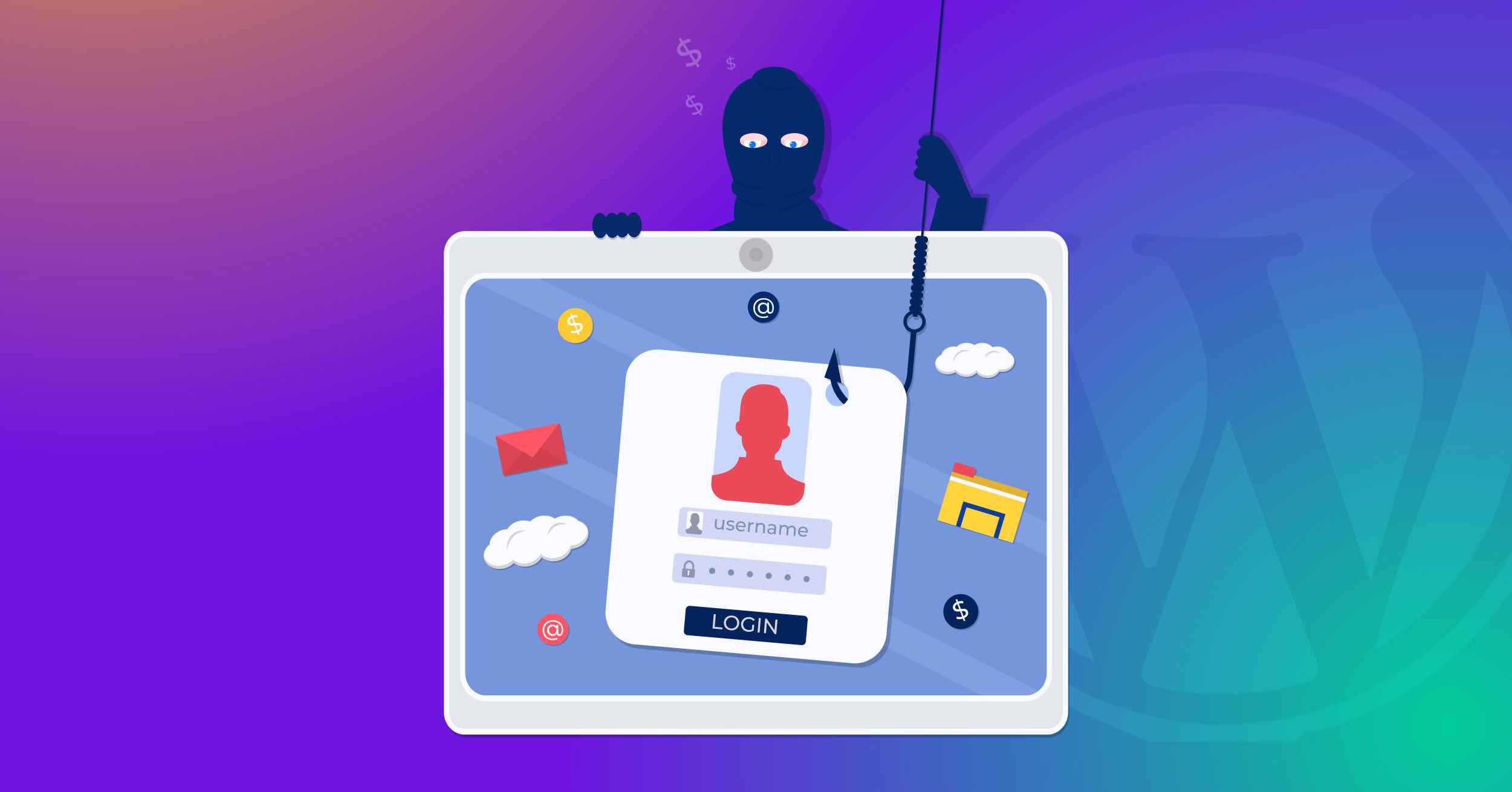
Have you ever received those emails sparking urgency by claiming that your account or device is at risk unless you download a specific file or take a certain action that the cyberattacker wants?
There are strong chances that you would have because around 3.4 billion phishing emails are sent daily, and falling prey to one is fairly common, unless you are extra vigilant of your online activity.
This article will educate you about everything you need to know about phishing attacks. From how phishing works, types of phishing attacks, risks, prevention strategies, and more.
Without further ado, let’s jump right into it!
What is a Phishing Attack?
A phishing attack is one of the most common types of cyberattacks. It refers to when perpetrators send personalized texts, often via email, with malicious files attached. Upon opening the file, the malicious software infects the system and steals sensitive information, such as login credentials, credit card, or bank account details.
Previously, we stated being extra vigilant of your online steps to prevent this attack, that’s because these emails or texts are hyper-personalized by analyzing the victim’s social accounts, allowing hackers to pretend to be someone closer by disclosing personal details.
How a Phishing Attack Works?
Let’s start with an easy-to-comprehend phishing attack example. Let’s establish that one posted about the excitement they feel for their child’s birthday, which is around the corner. The hacker may use this information to construct a phishing email offering an unreal discount on Disneyland tickets or other amusement parks.
With the event around the corner and the excitement of the about-to-be-victim, there is a good chance that they won’t give it a second thought before clicking on the malicious link, precisely where the hacker wanted them to.
Once clicked, the malware infiltrates the system, resulting in significant financial losses and even mental stress.
Moreover, these attacks sometimes use social engineering that exploits human psychology to manipulate the victim into revealing their personal or sensitive information.
Phishing attacks are not limited to emails or texts; they can also be conducted via phone calls or in person. Such attacks are known as vishing, short for voice & phishing.
Let’s learn more about the common types of phishing before jumping into a few real-life examples of businesses that lost fortunes to this seemingly simple attack.
Common Types of Phishing
There are thousands of types of phishing. In fact, there must be some that we are not even aware of, since with the widespread use of artificial intelligence, attackers actively use it to enhance the impacts of such online hazards. However, a few common ones include:
- Email phishing: This is the most common type of phishing and uses deceptive emails to manipulate and trick victims into revealing confidential information like passwords, credit card details, or other personal data.
- Spear phishing: It refers to when cyberattacks specifically target their prey, which can be an individual, business, corporation, or enterprise. Attackers then craft their emails to be personalized, making them more likely to open and click on malicious links.
- Whaling: This refers to a phishing attack aimed at senior corporate executives through fake emails, text messages, or phone calls, making it easier to access company profiles and steal sensitive information.
- Vishing: As stated previously, it refers to phishing done over the phone or in person, hence the term ‘vishing’. It is also known as voice phishing.
- Smishing: Similar to the previous one, this is phishing done via SMS or short message service. Malicious links are sent via SMS that hijack the mobile device, stealing sensitive information and causing distress.
- Angler phishing: When attackers create fake customer support profiles and pretend to be from a reputable company, asking victims personal questions and luring them into a phishing cycle.
- Clone phishing: As the name suggests, cyberattackers clone a legitimate email and send it to the same recipient by changing the links with malicious files, making it easier for victims to fall.
- Business email compromise: Business email compromise, abbreviated to BEC, is a cybercrime where attackers impersonate trusted individuals, like executives or CEOs, to trick employees into revealing sensitive information via fake emails.
Real-Life Examples of Phishing Attacks
To understand the risks of phishing, it is important to take a look at a few real-life examples of how businesses lost fortunes to this deadly cyberattack.
Facebook and Google’s $100M Loss
Between 2013 and 2015, Facebook and Google were collectively scammed for over $100 million using phishing emails.
The cyberattack identified that both companies are associated with a Taiwan-based company called Quanta. Taking advantage of the situation, the 50-year-old cyberattacker crafted emails pretending to be from a Quanta executive and attached the fake invoices.
Both Google and Facebook fell prey to the attack, sending millions of dollars—some resources claim $125M—to the attacker’s account.
He was finally caught, and companies were able to recover over $49 million.
Crelan Bank Lost $75.8M To BEC
A Belgium-based Crealan bank was attacked by a business email compromise attack that cost the business approximately over $75 million. The phisher or the cyberattacker compromised an executive’s account and instructed all the employees to send money to an account controlled by the cyberattacker.
The fraud was uncovered during an internal audit. In response, the bank promptly informed Belgian authorities and implemented advanced internal security measures to prevent future incidents.
At the time, CEO Luc Versele assured stakeholders that the bank’s substantial capital reserves, totaling $1.2 billion, allowed it to absorb the loss without impacting customers or partners.
Enough with the stories, now snap back to reality, and let’s learn how to tell if you are about to be phished.
Signs of a Phishing Attempt
If you see the following signs, you should be extra cautious, as victims often report seeing these signs before being scammed:
- Generic greetings: Unless it’s spear phishing or any other type of phishing that involves personalizing emails, these emails are often sent in bulk. Hence, contains general greetings instead of directly addressing the receiver.
- Poor language: Sometimes these attackers are from countries where English is not the native language, hence these emails contain several grammatical and sentence structure mistakes, making it easier to spot a phishing email.
- Unreal offers: If the email promises a too-good-to-be-true offer, it is most definitely a phishing attempt.
- Unfamiliar tone: Most business communication follows a professional tone of voice. If the email does not follow communication standards, that can be a sign of a phishing attack.
- Urgency: If an email requests immediate action and threatens severe consequences if not complied with, it is a clear sign of phishing. For example, “Your account is at risk. Click this link to avoid losing your account.”
- Incorrect email addresses: Another easy way to spot such emails is by looking at the names. These emails often come from shoddy names and contain unrealistic words with no real meaning.
How to Prevent Phishing Attacks: 5 Useful Tips
Now that you understand how to spot a phishing attack, here’s what you can do to ensure it doesn’t even happen in the first place:
#1: Use Two-Factor Authentication
Using two-factor authentication (2FA) or multi-factor authentication (MFA) can help against phishing, even if the hacker somehow gets your credentials, as it requires another verification factor, often via a mobile phone, before allowing access.
As phishing and other cyber scams escalate, most social media channels and applications offer two-factor authentication (2FA) as a security feature. For WordPress, you can use our lightweight All-in-One plugin that helps with 2FA and offers many more security features.
#2: Educate Your Team or Users
Earlier, we learned how to spot phishing attempts. This information should be rudimentary to not only you but also the entire team and your users. Actively learn more about ongoing cybersecurity best practices and common cyberattacks.
Enforce a strong password policy and don’t let users or the team create accounts with weak passwords. History has seen several instances where businesses were hacked through an employee’s account.
#3: Install Reliable Security Plugins
Malicious files also make their way into your server or system through plugins, themes, or files installed from spammy sources. Previously, we learned that an offer too good to be true is false. Referring to the same principle, if a business or an individual is selling expensive software for a fraction of the price, there are strong chances of the file being malicious.
Always install files from their official sources or directories. Piracy often comes with malware.
#4: Set Up Spam Filters and Firewalls
Not every attack starts with a brute-force attempt or a compromised plugin. Sometimes, it’s as simple as a spam email slipping through your inbox. Spam filters and firewalls serve as your first line of defense, filtering out phishing emails, malicious links, and suspicious traffic before it ever reaches your site or system.
For WordPress users, a good firewall can block harmful IPs, prevent brute-force login attempts, and even detect patterns of known attacks. Combine this with All-in-One Login’s brute force protection for enhanced security. Prevention at the entry point often saves you from bigger disasters down the road.
#5: Enable SSL Certificate
Last but not least, SSL or Secure Sockets Layer is one of the greatest inventions for online security. These certificates sign legitimate sites as secure and help against phishing sites that could steal sensitive information.
Users can avoid entering sensitive information on sites that do not have the padlock icon before the domain name to prevent losing info to phishing scams.
Enhancing WordPress Security With All-in-One Login
WordPress, by itself, does not offer adequate security options. However, you can always change that by using All-in-One Login. The plugin offers excellent security features, including multi-factor authentication, reCAPTCHA, changing login URL, block/allowlist IPs, and much more.
If something goes wrong, our talented support team is always here to help!
Frequently Asked Questions
What should I do if I click on a phishing link?
First and foremost, don’t panic. If the link takes you to a phishing site, it is definitely meant to extract your sensitive information. If you head back as soon as possible, you should be good. However, if the malware is installed upon clicking, disconnect from the internet, run an antivirus scan, and eliminate it as soon as possible.
Are phishing attacks only done through email?
No! Phishing attacks can occur through emails, text messages (smishing), phone calls (vishing), social media, websites, or basically any mode of communication. Phishing is a general term for tricking users into divulging their sensitive information, which can be done through a number of methods or communication modes.
What is phishing with an example?
An example of a phishing attack is an attack pretending to be a bank employee and asking for your sensitive information to process your account. Once you share the details, hackers can access your account effortlessly.