


Most users don’t want to create another account just to log in to a website. Long signup forms increase friction, and many users abandon the process before completing registration.
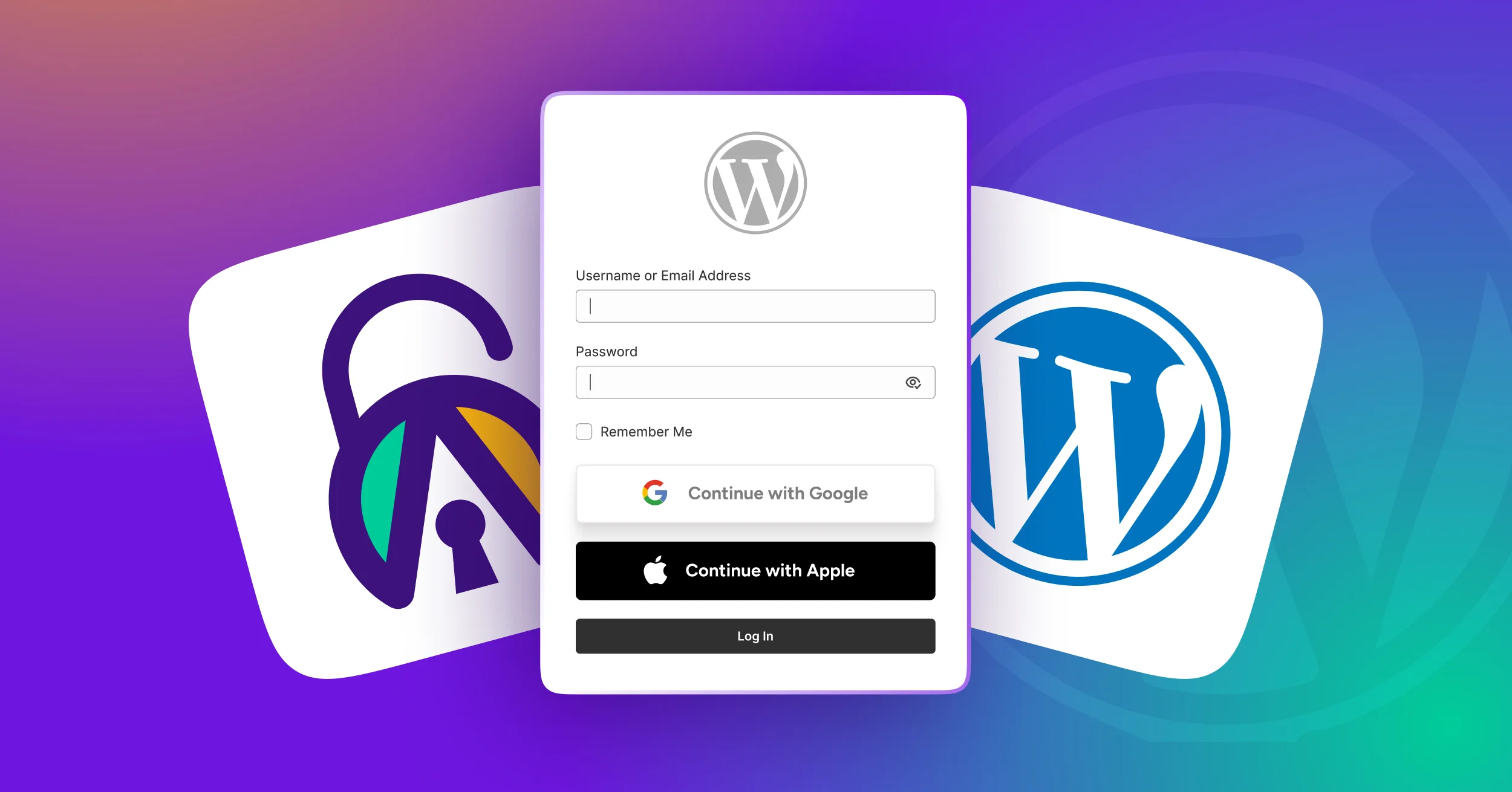
That’s where a WordPress social login plugin with OAuth authentication can help. It lets users sign in with Google, Facebook, Apple, or other platforms using secure social authentication in one click.
If you’re running a WordPress site, adding a social media login WordPress plugin can help increase registrations, reduce cart abandonment, and improve conversions.
To help you choose the best social login plugin for WordPress, we tested the 9 best WordPress social login plugins based on ease of use, performance, and compatibility.
How We Tested and Picked the Best WordPress Social Login Plugins
There are numerous social login plugins for WordPress, and picking a few at random wouldn’t be fair. So we evaluated each plugin using the following criteria:
- Ease of Setup: Is it easy to install and get running without needing an expert?
- Supported Social Logins: Does it let users sign in with the apps they actually use, like Google, Facebook, Line, or Microsoft?
- WooCommerce Compatibility: Does it work perfectly with your online store and checkout page?
- Performance & Speed: Does the plugin load efficiently without affecting Core Web Vitals or page speed performance?
- Security & Compliance: Does it use OAuth 2.0 authentication, handle user data securely, and comply with privacy regulations like GDPR?
- Updates & Support: Is the plugin actively maintained, and is support available when issues arise?
- Customization Options: Can you change the appearance of the login buttons to match your website’s style?
- Pricing & Value: Is the price fair for the features you are getting?
What Makes the Best WordPress Social Login Plugin?
The best social media login plugin for WordPress should do more than just add social buttons. It should integrate smoothly with your WordPress login form plugin, support WooCommerce, and allow full customization of your WordPress login page.
A good free version of a WordPress social login plugin is also helpful if you’re testing social login before upgrading. However, premium plugins often include stronger security, analytics, and deeper integrations with the features of a WordPress user registration plugin.
9 Best WordPress Social Login Plugins
After hands-on testing, we have narrowed down the following WordPress Social Login plugins. Here is a breakdown of why they earned a spot in our final recommendation list.
#1 All In One Login
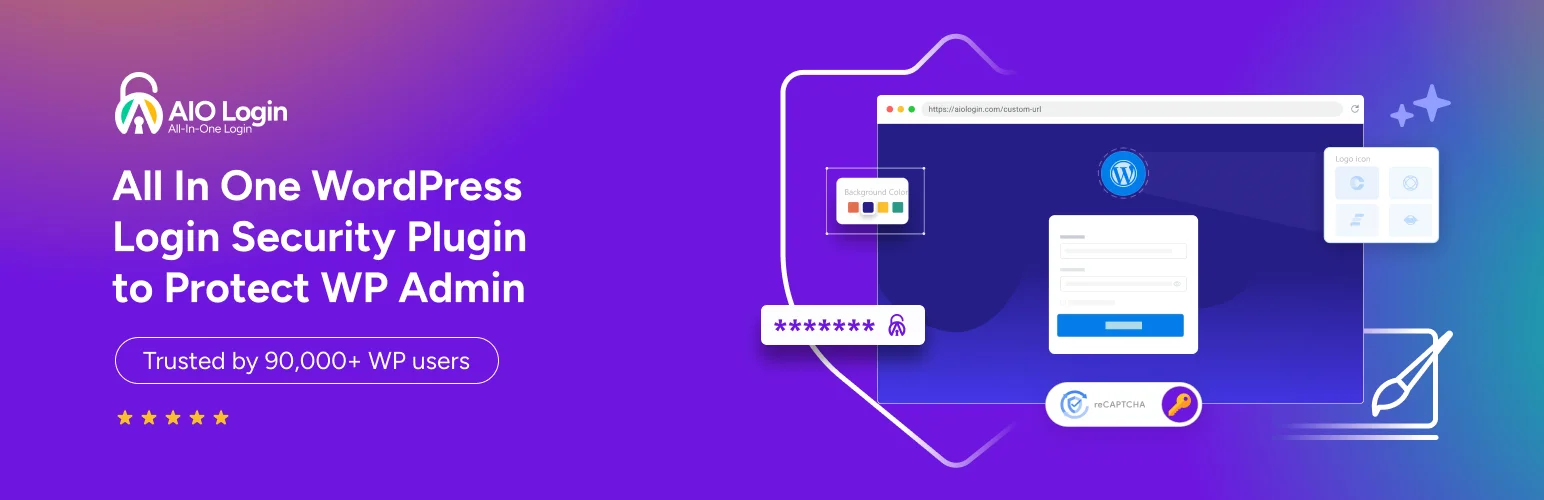
All In One Login is a WordPress login and social login plugin that helps you secure, customize, and optimize your login experience. Along with social login support, it offers a strong set of built-in security and branding features, making it a well-rounded solution for site owners who want more control over both protection and user experience.
Trusted by over 60,000 users worldwide, it has built a solid reputation for reliability and ease of use, with a clean, beginner-friendly interface. It also works as a complete WordPress authentication plugin, combining login, registration, and security features in one place.
Because of its security features, login customization, and social login support, many users consider it one of the best WordPress login plugins for security and social login integration. It also functions as a custom login plugin WordPress solution, giving you control over branding, redirects, and login behavior.
Key Features:
- 5+ social login providers (Google, Facebook, Microsoft, LINE, Apple, Discord, GitHub) available in Pro
- WooCommerce integration for quick login and checkout
- Custom login button styling and full login page customization
- Activity logs with login tracking
- Supports Google reCAPTCHA, hCaptcha, and Cloudflare Turnstile to block automated threats
- Restricts repeated login attempts to safeguard user accounts
- Custom wp-admin login URL for enhanced security
- IP management (whitelisting and banning)
- User enumeration protection and detailed activity logs
- Two-factor authentication (TOTP) and email OTP support
- Lightweight and optimized for fast performance
- Works with major WordPress security plugins
- Create one-time temporary access links with expiration, usage limits, and optional 2FA for controlled access
- And much more.
Pricing:
Free version available. Paid plans start at 59$/year with social login, extra security features, and WooCommerce integration.
Best for:
Site owners who want social login support along with complete login security and customization tools.
#2 Nextend Social Login

Nextend Social Login lets your visitors log in using their existing social accounts instead of creating a new one. The free version works well on its own, and the paid add-on unlocks more platforms and integrations. Setup is straightforward, and the plugin comes with clear documentation and video guides.
It integrates smoothly with the default WordPress authentication system, making it a lightweight WordPress login plugin for sites that only need social login without additional security features.
Key Features:
- Free: Google, Facebook, and X (formerly Twitter) login
- Pro: 11 additional providers, including Apple, LinkedIn, and Amazon
- WooCommerce, BuddyPress, and MemberPress compatibility
- Social login button on WordPress login forms
- Custom redirect URLs
- User account linking
What’s missing:
- Advanced integrations require the paid add-on
- No built-in analytics or logs
Pricing:
Free version available. Paid add-on is a one-time payment starting at around $49 per site (excluding taxes), which includes lifetime updates and support.
Best for:
Small to medium websites that want a simple, reliable social login plugin with a solid free version.
#3 miniOrange Social Login
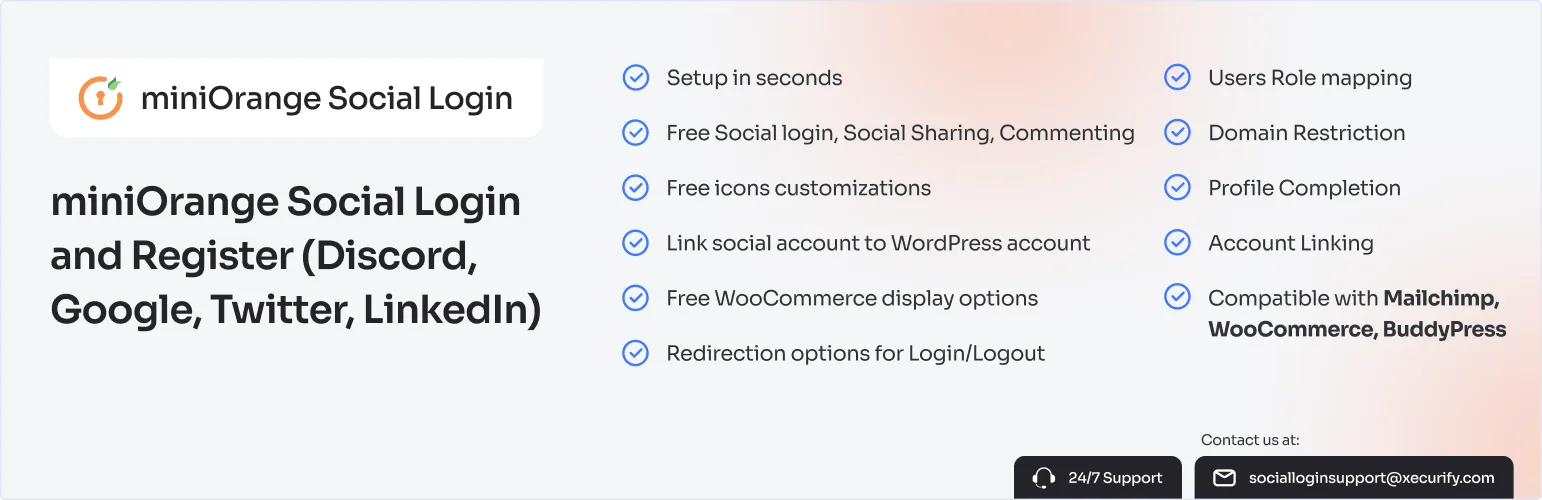
miniOrange Social Login is built for websites that need more control over how users log in. It supports a wide range of platforms and provides tools to manage user roles, map profile data, and customize the login flow. The free version is generous, with 11 providers available at no cost.
Key Features:
- 45+ social login providers
- OAuth and OpenID Connect support
- WooCommerce integration
- Role mapping after login
- Shortcodes and widgets
- Custom login buttons
- 11 free providers, including Facebook, Google, Discord, Twitter, LinkedIn, Amazon, Salesforce, Yahoo, Snapchat, and Dribbble
What’s missing:
- Can feel overwhelming for beginners
- Many advanced features are behind a paywall
- May slow down sites if not optimized
Pricing:
Free version available with 11 providers. Paid plans start at $89 per year.
Best for:
Membership sites and businesses that need detailed control over user login and a wide choice of social platforms.
#4 OneAll Social Login

OneAll Social Login handles authentication on its own cloud servers rather than on your WordPress site. This keeps your server load low and gives you a central place to manage logins across platforms. You can access an analytics dashboard on the OneAll website to track usage.
Key Features:
- 40+ social networks supported
- Cloud-based authentication
- WooCommerce compatibility
- Social profile data sync
- Analytics dashboard
- Multilingual support
- Custom login buttons
What’s missing:
- You need to create an external OneAll account to use it
- The free plan has limited features
- Your login system depends on an external service staying online
Pricing:
Free limited plan available. Paid plans start at around $9/month; check their website for current pricing.
Best for:
Sites that want cloud-managed social login without adding extra load to their own servers.
#5 Super Socializer

Super Socializer is a free plugin that combines three features in one: social login, social sharing buttons, and social comments. It supports 27 platforms for login and around 100 for sharing, making it one of the most complete free options available. You don’t need to register anywhere to use it.
Key Features:
- Social login with 27 providers
- Social sharing buttons for ~100 networks
- Social comments via Facebook and Disqus
- WooCommerce support
- GDPR options included
- Customizable icons
- Shortcode support
- No third-party account needed
What’s missing:
- Design looks a bit outdated
- Login customization options are basic
- No analytics or login logs
Pricing:
Completely free with no paid tiers.
Best for:
Blogs and community sites that want social login, sharing, and comments all in one free plugin.
#6 Social Login for WooCommerce by SkyVerge
WooCommerce Social Login is a paid plugin made specifically for online stores. It lets customers check out faster by logging in with their social accounts instead of filling out a registration form. It works only with WooCommerce and is focused entirely on making the buying process quicker and easier.
Key Features:
- Social login during checkout
- Customer account linking
- Auto account creation on first login
- Built specifically for WooCommerce
- Supports major social providers
- Faster checkout experience
What’s missing:
- Only works with WooCommerce
- No free version
- Limited customization options
Pricing:
Starts at around $99/year; check their website for current pricing.
Best for:
WooCommerce store owners who want to reduce cart abandonment with a smoother checkout experience.
#7 WP Social Login
WP Social Login is a lightweight WordPress plugin designed specifically for social login functionality. It focuses on letting users sign in with their existing social media accounts. It’s simple, free, and widely used, but doesn’t include extras like profile management or community features.
Key Features:
- Social login integration with major platforms (Facebook, Google, Twitter, LinkedIn, etc.)
- Easy setup and configuration from the WordPress dashboard
- Customizable login and registration forms
- Works with WooCommerce and BuddyPress for seamless social login in shops or communities
- Developer‑friendly with hooks and filters for customization
What’s missing:
- No advanced membership or community features (profiles, badges, directories)
- Limited design customization compared to plugins like LoginPress
- Updates and support can be inconsistent since it’s community‑maintained
- No built‑in analytics or user engagement tools
Pricing:
It is completely free and open-source.
Best for:
Websites that want a straightforward social login solution without paying for premium plugins. Ideal for sites or stores that just need users to log in quickly via social accounts.
#8 LoginPress
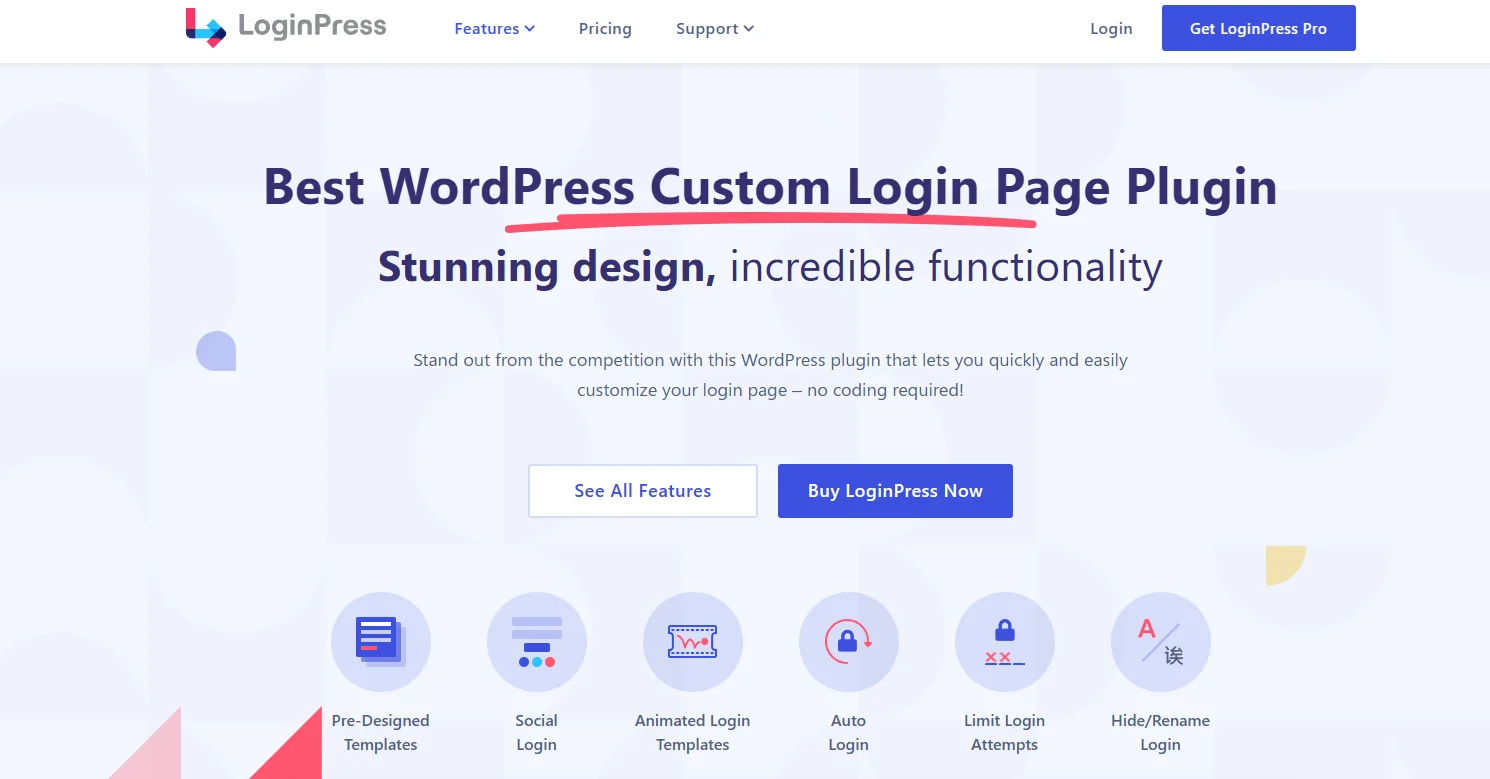
LoginPress is a WordPress plugin focused on customizing login pages. Unlike other membership or community plugins, LoginPress is laser‑targeted at improving the login experience with design, branding, and usability enhancements, which include social logins and more. It’s lightweight compared to membership suites, making it ideal if your main goal is a polished, professional login interface with social login capability.
Key Features:
- Drag‑and‑drop login page customizer
- Pre‑designed login templates
- Social login integration (Facebook, Google, Twitter, etc.)
- Custom error messages and redirects
- reCAPTCHA and security add‑ons
- Customizable login forms and fields
- Multisite compatibility
- WooCommerce login styling support
What’s missing:
- Focused entirely around login customization
- Limited profile or directory functionality compared to other plugins
- Advanced features (like social login or auto‑login) often require premium add‑ons
Pricing:
Free version available with core customization tools. Premium plans start around $99/year for advanced features and add‑ons
Best for:
Websites that want beautiful, branded login pages with social login options. Perfect for businesses, blogs, or WooCommerce shops that want to elevate the first impression.
#9 Heateor Social Login
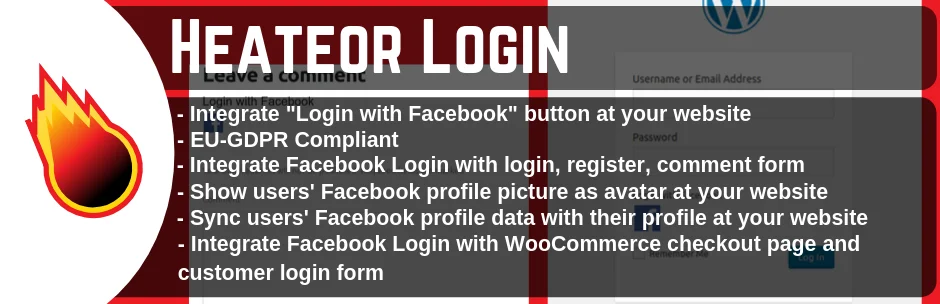
Heater Social Login is a free plugin that supports 27 social login providers. It’s lightweight, easy to set up, and doesn’t require you to sign up anywhere to use it. There is no paid version—this plugin is completely free. It works with WooCommerce and is compatible with the Gutenberg editor and WPML.
Key Features:
- 27 social login providers
- WooCommerce support
- GDPR-friendly
- Lightweight with no tracking or ad scripts
- Custom redirect URLs
- Shortcode support
- Button customization
- Compatible with Gutenberg and WPML
What’s missing:
- Basic design interface
- Limited advanced customization
- No analytics or login logs
Pricing:
Completely free. No paid plans or add-ons exist.
Best for:
Anyone who wants a wide range of free social login options, without any setup issues.
Which WordPress Social Login Plugin Should You Choose?
Choosing the best WordPress social login plugin depends on your site’s needs, ease of use, supported providers, security features, and integration with your WordPress login system.
If you’re looking for a social login solution for your WordPress website that balances simplicity, security, and customization, All In One Login is a strong choice. You don’t need to install multiple tools just to manage login and authentication.
Other plugins focus only on basic social login or specific use cases, such as WooCommerce-only checkout login or limited provider support. These can work for simple setups, but you may need additional plugins for greater flexibility or security controls.
All In One Login makes it easier to maintain your site while giving users a faster and smoother login experience. If your goal is to get the best login WordPress plugin, All In One Login is a practical option to start with.
FAQ – WordPress Social Login Plugins
Why should I add social login to my WordPress site?
Social login makes it easier for users to sign in using Google, Facebook, or other accounts. This reduces signup friction, increases registrations, and improves user experience. It can also help lower cart abandonment by speeding up the login and checkout process.
Is social login safe for my WordPress site?
Yes. Most WordPress social login plugins use secure OAuth authentication. Users log in through trusted platforms like Google or Facebook, and your site does not store their passwords. This reduces the risk of weak passwords and improves overall login security.
Can I allow login from multiple social media platforms?
Yes. The majority of the social login plugins support multiple social media platforms. You can allow users to log in with Google, Facebook, Apple, Microsoft, and more simultaneously. This gives users the flexibility to choose their preferred account.
Will using social login slow down my WordPress website?
No. WordPress social login plugins are mostly lightweight. They only load login buttons and connect to social platforms when users click them. When properly configured, they have minimal impact on page speed.
Can I customize the look of social login buttons on my site?
Yes. Many WordPress social login plugins let you customize button colors, sizes, layouts, and placements to match your website design. You can also position them on login, registration, or checkout pages.