


WordPress powers over 43% of all websites on the internet, making it the world’s most popular content management system. But this popularity comes with a price: WordPress sites are under constant attack. With thousands of automated attacks targeting WordPress sites every minute, relying on the default login page is a serious security risk.
WordPress login security has become a critical concern for site owners who want to prevent unauthorized access, brute-force attacks, and credential theft.
That’s why we’ve handpicked the best WordPress login security plugins that go beyond basic password protection. These tools act as a security layer in front of your WP-Admin area—blocking unauthorized access with features like two-factor authentication (2FA), brute-force protection, IP blocking, and login URL masking.
We analyzed dozens of WordPress security plugins, focusing specifically on login protection to bring you a curated list of tools that actually stop unauthorized access.
How We Choose Login Security Plugins for WordPress Sites
To help you feel confident in your choice, we have conducted a thorough analysis of these tools, examining five key areas to identify the most suitable login security plugins for WordPress sites in 2026.
- Brute Force Prevention: Does this plugin effectively prevent brute force attacks through features such as limiting login attempts and lockout features?
- Authentication Layers: Does this plugin support modern security protocols such as two-factor authentication (2FA), passkey, and email OTP?
- Usability vs. Complexity: Is this plugin simple to use for new WordPress users while still offering advanced features for developers who want to implement trusted IP whitelisting?
- Performance Impact: Does this plugin negatively impact site speed, or is it designed with lightweight features, such as a cloud-based firewall?
- Value for Money: Do the login security features justify the price compared to other WordPress security plugins?
We also considered real-world usability, update frequency, and compatibility with modern authentication methods like passkeys.
List of Best WordPress Login Security Plugins
1. All In One Login
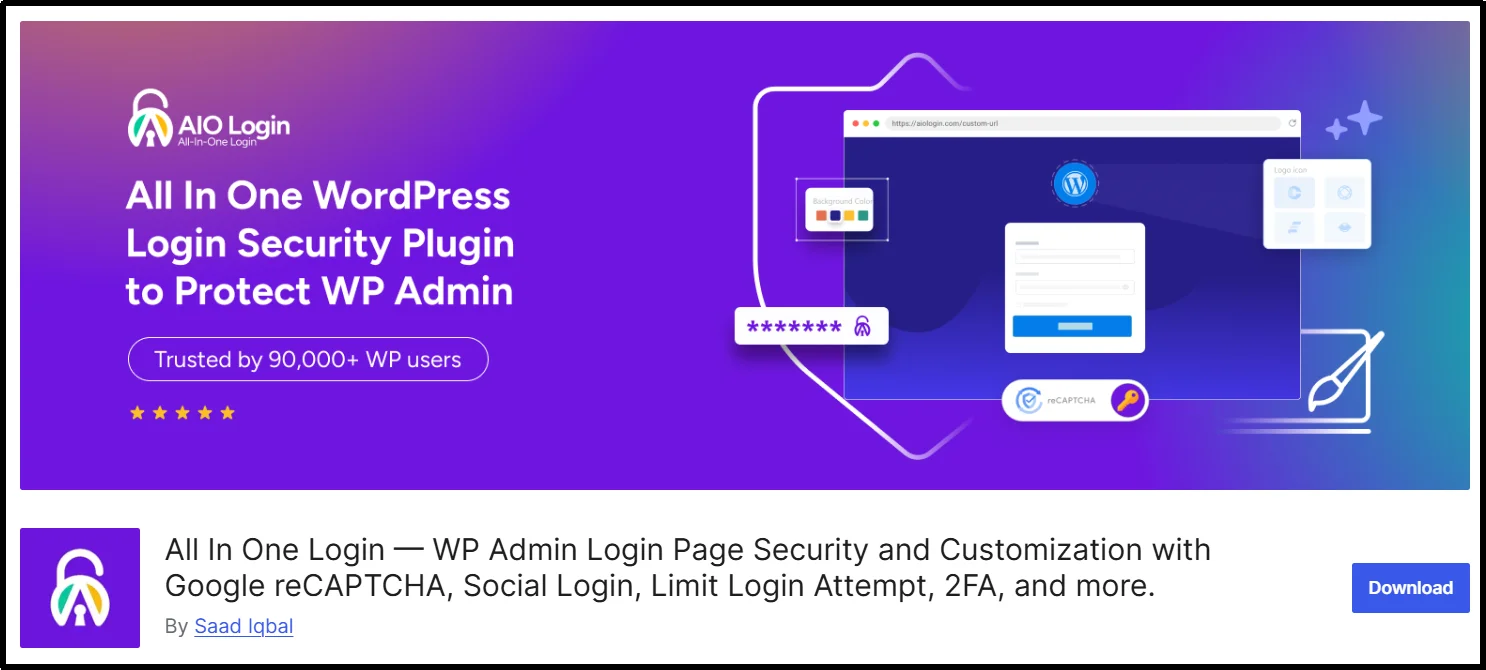
All-in-One Login is the best WordPress login security and customization solution. This plugin eliminates the need to stack multiple plugins for login security. It combines modern authentication, brute-force protection, and login monitoring into a single lightweight solution.
The All In One Login is particularly designed to ensure that only legitimate users are granted access to the WordPress admin section through biometric, authenticator-based, or otherwise secure methods.
Key Features:
- App-based Two-factor Authentication (2FA)
- Change the default wp-login.php
- WooCommerce integration for login page, registration, and checkout page security.
- Social login for WordPress and WooCommerce (Google, Facebook, Microsoft, LINE)
- WordPress login page Customization
- Temporary access URLs with expiry and usage limits
- Google reCAPTCHA v2 & v3 integration
- Support for hCaptcha and Cloudflare Turnstile
- Login redirection rules
- User/IP blacklist and whitelist
- Limit login attempts with lockouts
- Detailed login activity logs
- User enumeration and weak username attacks protection
Pros and Cons:
Pros
- All-in-one solution (WordPress security plus customization)
- Beginner-friendly setup with advanced Pro controls
- Excellent performance
Cons
- Social login and 2FA require the Pro Version
- Not a full firewall replacement
Pricing:
The premium version pricing plans start from $29/year. Lifetime plans are also available.
2. Wordfence Security
Wordfence Security is still the gold standard in terms of full security protection for your WordPress site. It offers a full security suite, and its login security features are top-notch. It comes with a powerful cloud-based firewall to block malicious traffic before it reaches your server, along with a malware scanner that continuously monitors core files and login-related scripts for vulnerabilities.
Key Features:
- Brute force protection with rate limiting.
- Two-factor authentication (2FA) support for all user roles.
- Login activity logging and real-time IP blacklisting.
- Captcha integration with login, registration, and password reset forms.
Pros and Cons:
- Pros: Excellent freeware; real-time firewall rules; full traffic monitoring.
- Cons: Resource-intensive on shared hosting environments; premium version is subscription-based.
Pricing:
Free version available on the WordPress directory. The premium version costs $149/year for a single-site license, with real-time IP blocking and premium support.
3. Sucuri Security
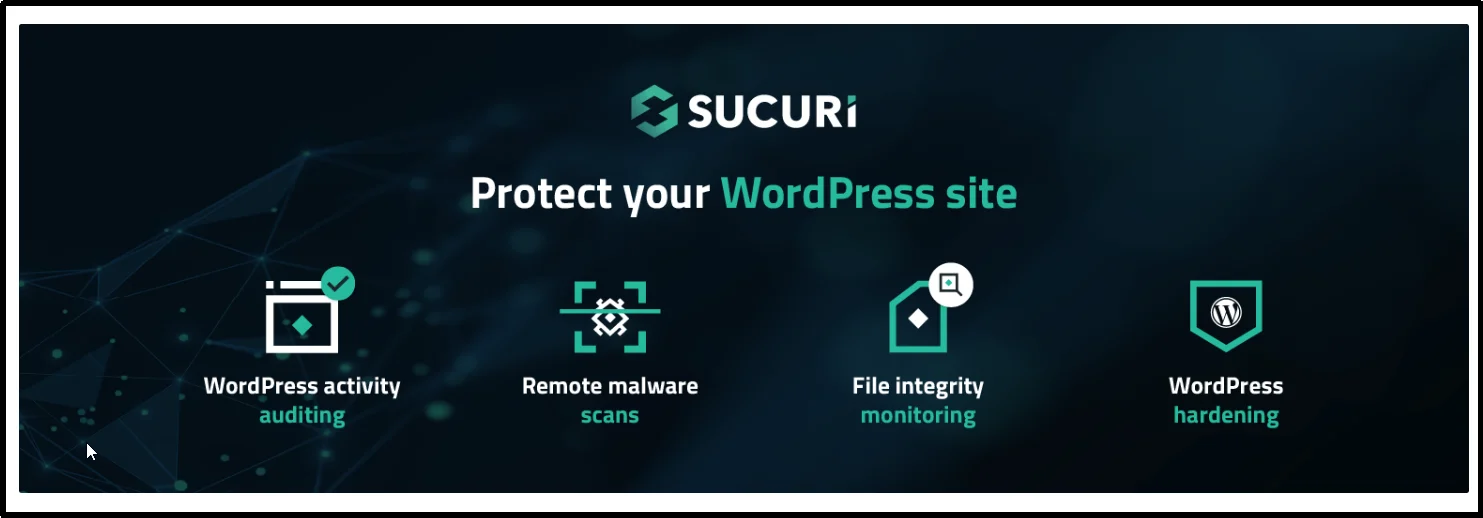
Sucuri is widely recognized for its cloud‑based firewall (WAF) and post‑hack cleanup services. While Sucuri is best known for its cloud-based firewall (WAF), its WordPress plugin also adds strong login protection features.
Key Features:
- Security Activity Auditing (login logging).
- Hardening features to change the database table prefix and protect against file inclusion attacks.
- Remote malware scans using their cloud-based platform.
- Blocklist monitoring to ensure your site is not blacklisted.
Pros and Cons:
- Pros: Great CDN service, offloads security to the cloud, and is effective at stopping DDoS attacks.
- Cons: Requires a DNS change to get full features on their firewall. Although the plugin is great, the free version lacks features.
Pricing:
Free plugin available; full WAF and CDN available starting at $199.99- $229/year, depending on plan.
4. Solid Security (formerly iThemes Security)
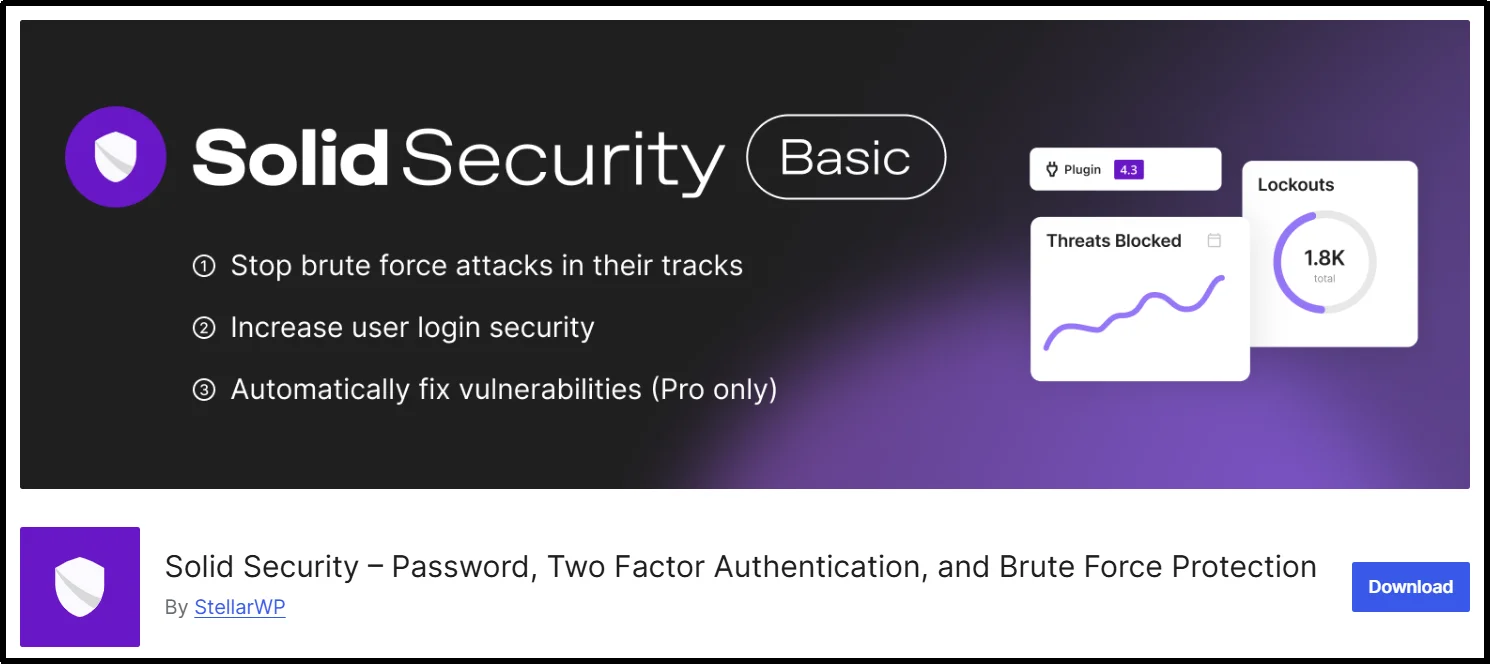
Solid Security, formerly known as iThemes Security, is a premium plugin that offers over 30 security features, including advanced login protection controls. It is one of the best solutions for limiting login attempts and enforcing strong admin passwords. The plugin’s standout feature is its ability to enforce different security settings based on user roles, ensuring that even junior editors follow strict login protocols.
Key Features:
- Two-Factor Authentication (2FA) with app codes and backup codes.
- Magic links for passwordless login, along with trusted IP whitelisting.
- Integration with Google’s reCAPTCHA for login protection.
- Lockout settings for limiting failed login attempts, along with automatic IP banning.
Pros and Cons:
- Pros: Highly granular settings for site security, version management, and scheduled malware scans.
- Cons: Too many options, making it difficult for beginners to configure; expensive for single-site licenses.
Pricing:
Free version available on WordPress. Premium version pricing plans start at $199/year for a single-site license.
5. All-In-One Security (AIOS)

All-In-One Security (AIOS) is a strong contender for the best WordPress login security plugin, not just because of its wide range of features, but also because it offers strong login protection even in its free version, and its premium version is reasonably priced as compared to the options on the list. The plugin’s simple scoring system helps you see the current security level of your WordPress websites and encourages you to enable features such as login activity logging and database backups.
Key Features:
- Rename the login page, which is effectively a hide-login-page option using custom slugs.
- Limit login attempts, which includes IP blocking/blacklisting.
- Force logout, which logs out idle users.
- Database security, which includes database security enhancements and file integrity monitoring.
Pros and Cons:
- Pros: The free version is very capable, the scoring system is intuitive, and the premium version is affordable.
- Cons: The interface looks a bit outdated, and some features are available only in the premium version.
Pricing:
Free version available; premium version starts at $70/year.
6. Jetpack Security
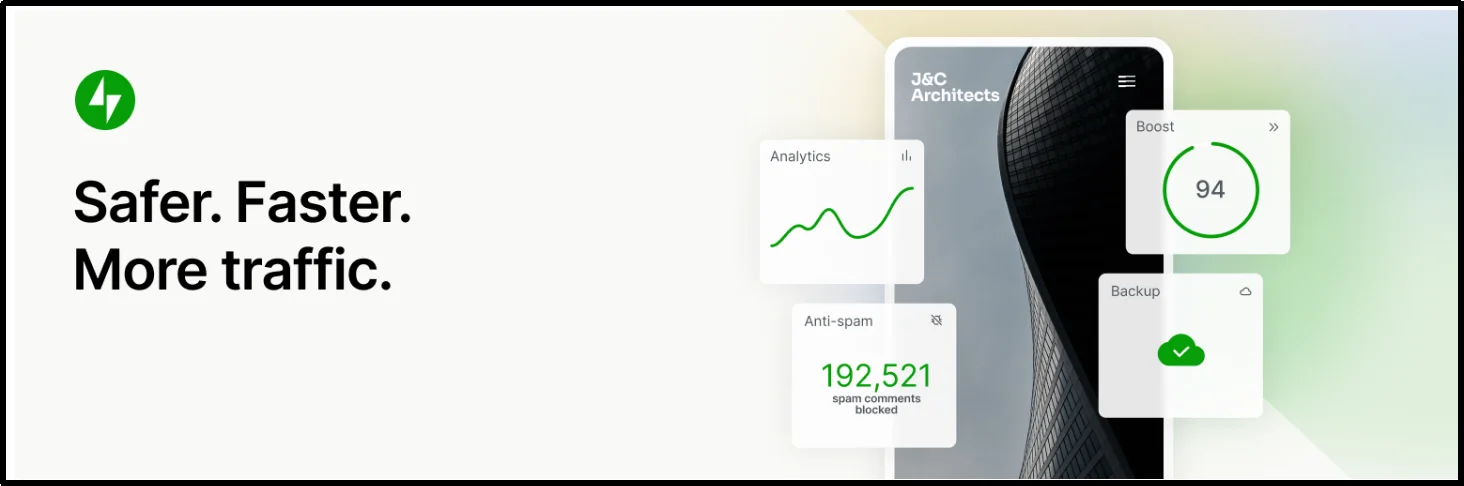
Jetpack Security is an all-in-one security plugin that includes basic security features with an easy-to-use interface. It is developed by Automattic, the creators of WordPress.com. The plugin includes real-time backups, spam protection, and robust security tools for the login process. The plugin’s brute-force protection and activity log make it an excellent choice for those who want an all-in-one solution.
Key Features:
- Brute Force Protection with automated IP blocking.
- Two-Factor Authentication is also included with the plugin and integrated into the WordPress login process.
- The plugin has an Activity Log that helps you Monitor Login Activity on your website.
- The plugin also includes Malware Scanning with automated resolution.
Pros and Cons:
- Pros: The plugin is deeply integrated with WordPress, easy to install, and includes backups and malware scanning in one plugin.
- Cons: Some features are only available with the paid version, which includes extra modules that are not required.
Pricing:
The plugin is available for free with basic security features. The premium version is available for $9.95/month with an annual billing cycle.
7. MalCare
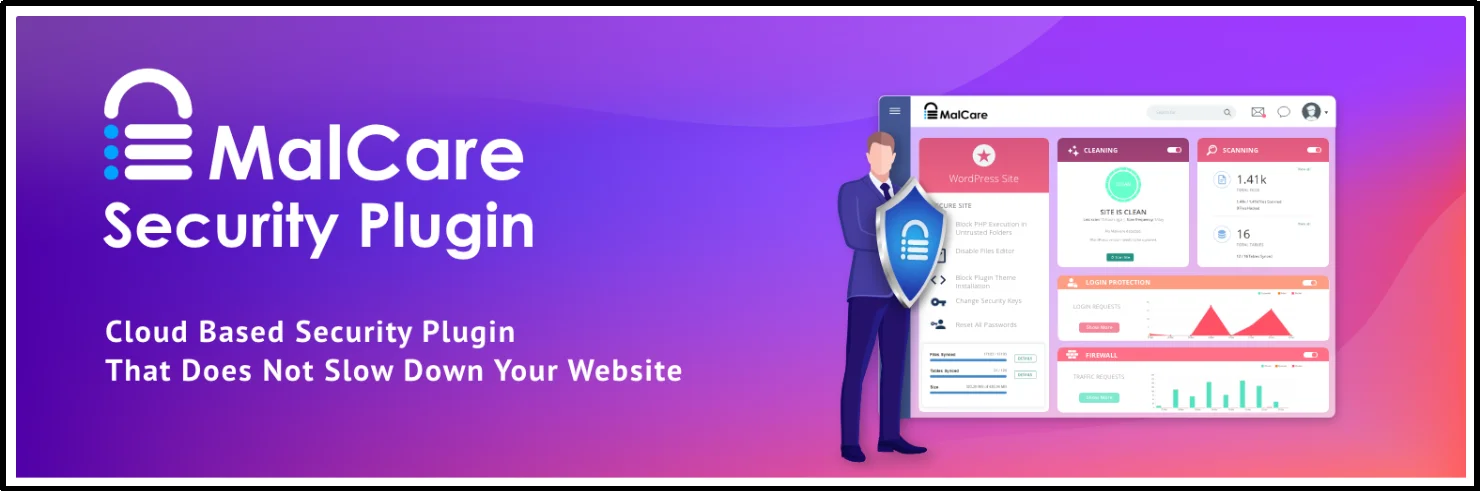
MalCare is a premium security plugin with excellent features, including one-click malware removal and off-site scanning. Unlike other security plugins, MalCare scans your site on its own servers. As a result, your site’s performance is not affected. MalCare’s login security features include intelligent brute-force protection, which prevents malicious login attempts before they reach your site.
Key Features:
- One-click malware cleanup even on compromised sites.
- Off-site, automated scanning, which means no server load.
- Brute force protection with IP blocking/blacklisting.
- Login page, captcha, and trusted IP whitelisting.
Pros and Cons:
- Pros: Very lightweight, excellent malware removal guarantee, performance-friendly.
- Cons: The free version has very limited features. Premium is only available with a limited demo version.
Pricing:
Free version available on WordPress. The premium version starts at $99/year for one site with all security features.
8. LoginPress
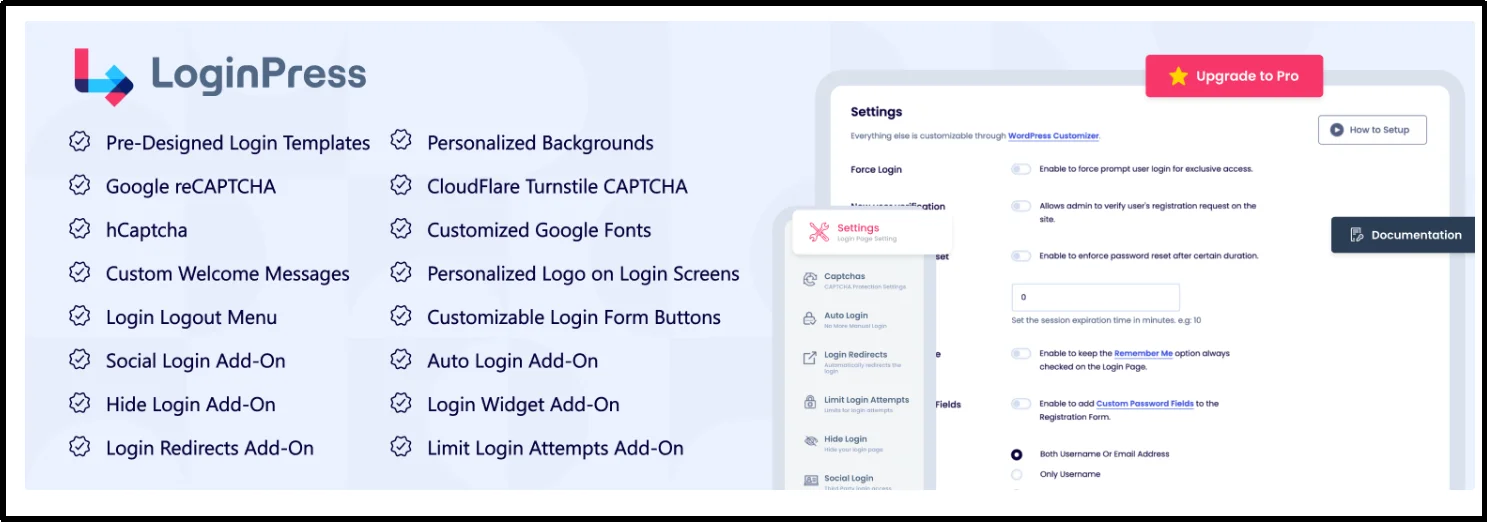
LoginPress is centered on the front-end experience of the login page. Nevertheless, security is integrated into the customizer. It achieves this by allowing the customization of the default WordPress login page. As such, it makes it hard for bots to identify the structure of the login form. It also includes features such as a custom login URL (to hide the login page from bots), which is available in the premium version, along with Google reCAPTCHA.
Key Features:
- Custom login URL (rename wp-admin).
- Google reCAPTCHA.
- Custom styling and logos.
- Limit login attempts (premium).
Pros and Cons:
- Pros: Good UX, easy to rebrand client sites, effective at hiding default login paths.
- Cons: The free version is largely cosmetic; security features are mostly available with the Pro version.
Pricing:
Offers a free version. The Pro version is $99/year for one site.
9. Limit Login Attempts Reloaded
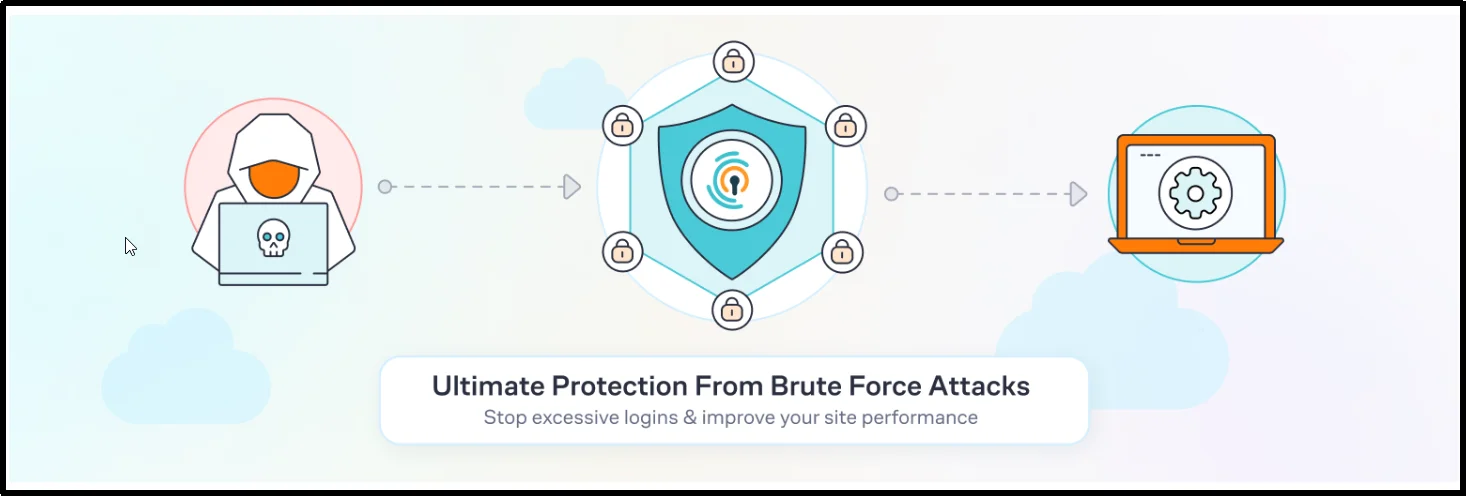
Limit Login Attempts Reloaded, as the name indicates, specializes in limiting login attempts. It can block malicious bots based on IP addresses and timestamps for incorrect login attempts. The plugin is lightweight and focuses solely on preventing brute-force attacks. The plugin can also be integrated with cloud services to track and block malicious IP addresses across the network, thereby enhancing protection against brute-force attacks.
Key Features:
- Lockout settings can be set based on the number of incorrect login attempts.
- IP blocking, blacklisting, and whitelisting can be performed.
- Email notifications can be sent in case of incorrect login attempts.
- The plugin can be integrated with cloud services to block malicious IPs globally.
Pros and Cons:
- Pros: Lightweight, easy to use, and effective in preventing brute force attacks; offers a good free version.
- Cons: The plugin lacks features such as 2FA and malware scanning; an upgrade is required to access advanced features like reCAPTCHA.
Pricing:
The plugin offers a free version, and the premium version starts from $5/month, billed annually.
Final Verdict: Which Login Security Plugin Should You Choose for Your WordPress Site?
For most WordPress sites, All In One Login offers the best balance: it’s a lightweight, login-focused plugin that blocks brute-force attacks, enables 2FA, and masks your login URL, without the bloat of full security suites.
If you need broader protection, pair it with Wordfence or Sucuri for firewall and malware scanning. Solid Security Pro works well for agencies managing multiple user roles, while Limit Login Attempts Reloaded remains a solid free option for basic brute-force defense. But if your priority is fast, reliable login protection that won’t slow down your site, All In One Login delivers targeted security with minimal setup, making it the smart starting point for WordPress login hardening in 2026.